
News
Planet Zoo 2 Launch Listing Undercuts Steam by $6.10
Frontier Developments’ new zoo-building sequel is listed at $43.89 through Loaded, compared with $49.99 on US Steam. The
















On Saturday afternoon, I finally powered it on, and the first thing I saw wasn’t new game news, but rather a pretty practical reminder from Nintendo for Switch 2 users. For an office worker like me, information like this is more useful than flashy marketing. After all, you don’t buy a machine just to look at it—whether the battery holds up directly affects whether it’s worth the money.
Nintendo recently reminded players via its Japanese customer service account that if you want the Switch 2 battery to degrade more slowly, you can enable charging protection in the system settings. The location isn’t complicated either: just go to “System Settings” on the main screen, then tap the “System” option to find it. Once enabled, the console will stop charging at around 80% to 90%, with the goal of reducing wear caused by staying fully charged for long periods.
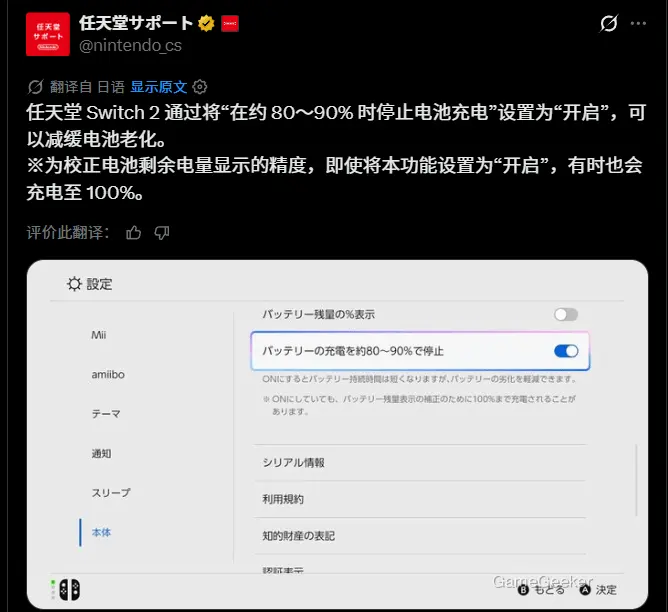
This approach is actually similar to what many smartphones have been doing in recent years. The core idea is simply not to keep the battery sitting at 100% and generating heat under constant strain. The article also mentions that high temperatures and overcharging usually accelerate battery aging. In other words, this isn’t some black-tech feature to improve battery life—it’s meant to help extend the usable lifespan of the device as much as possible, kind of like saving yourself some future repair costs for the console.
That said, turning this feature on doesn’t mean it will stay capped at 90% forever. Nintendo has explained that the system will occasionally still charge to 100%, mainly to calibrate the battery indicator and prevent the charge reading from drifting too far over time. So if you sometimes see it fully charged, there’s no need to assume the feature has stopped working—that’s just how the system is designed.
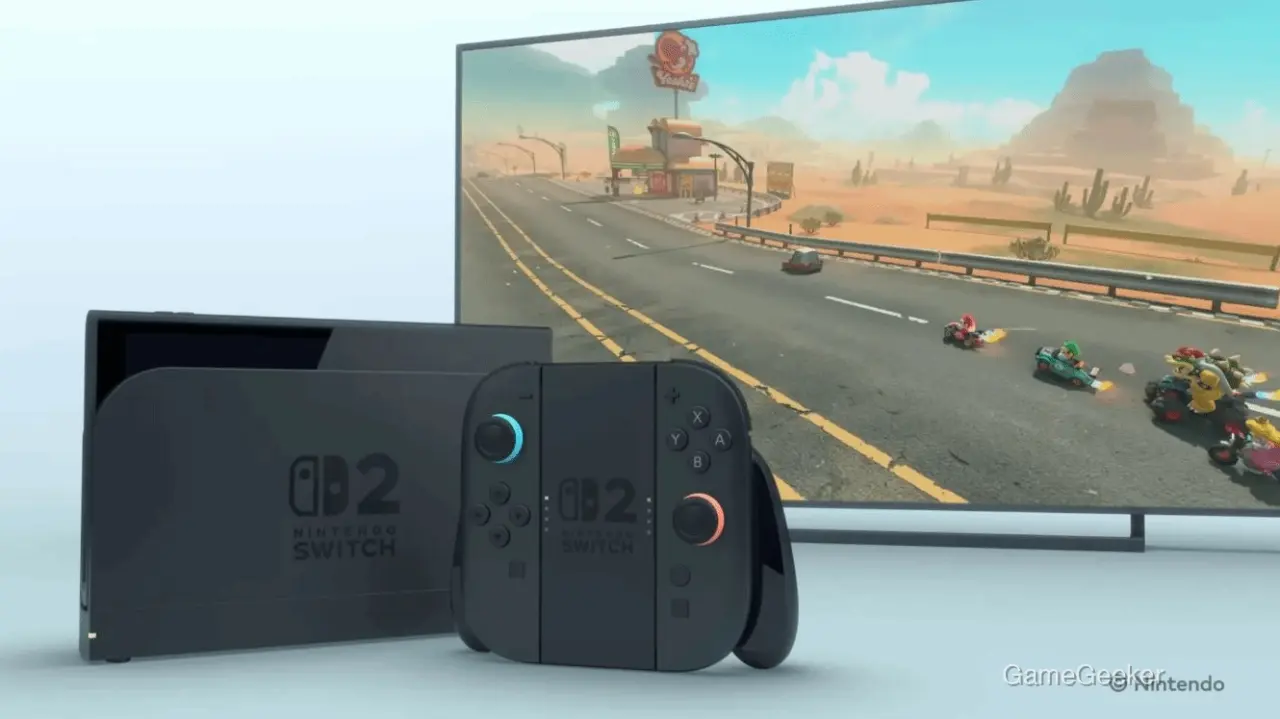
From a value-for-money perspective, I’d recommend that most Switch 2 players just turn it on. Especially for people who leave it docked all day, or who casually plug it in before bed at night, this option is basically a zero-cost benefit. If you take one less step in your daily routine, you may end up avoiding faster battery degradation, excessive heat, or even more frustrating issues like battery swelling later on—which is a better deal than ordering takeout.
So, how should I put it? If you commute long distances often and really care about squeezing out every last bit of battery, you can decide based on the situation whether to turn the limit off and charge it fully before heading out. But if you’re like me, with gaming time already fragmented, and the console mostly sits at home on standby with more concentrated play sessions on weekends, then prioritizing battery longevity makes more sense. For a device like the Switch 2, which may stay with you for many years, little settings like this aren’t flashy, but they’re a lot like putting some money into savings as soon as your paycheck arrives—you don’t feel much in the short term, but over time, the difference becomes clear.





Comments 0
Share your game review
Join the discussion and share your review of this game.
No comments yet. Share your review.