




DLCPC Building Simulator - Esports Expansion正在取得全網報價

從挑選零件組裝電腦,到查看 3DMark 成績,是《電腦裝機模擬器》的核心體驗;職業模式則加入維修、升級和整機組裝的客戶委託。以  GOG 的 ≈ HK$82.09 購買前,可以想想自己是否想投入時間經營這類硬體模擬店鋪。
描述也提到免費包含 IT 擴充故事內容。2026/12/17至2027/1/4 是下一次已公布的 Steam 特賣檔期,但不保證本作參與。 Steam PC 版介面支援 簡體中文、英語、法語、德語、日語、巴西葡語、俄語、西班牙語、韓語和波蘭語,職業模式包含維修、升級和整機組裝委託。
正在取得全網報價 K4GPC Building Simulator Standard Edition (English Only) Steam CD Key
價格涵蓋 Steam 官方與 39 家授權商店,僅統計正規通路報價。曲線按週呈現近 36 個月的全網低價與 Steam 官方價。
歷史價格以美元記錄,圖中金額按 2026-10-09 歐洲央行匯率換算為 HKD,僅供參考;實際結算金額以商店頁面為準。
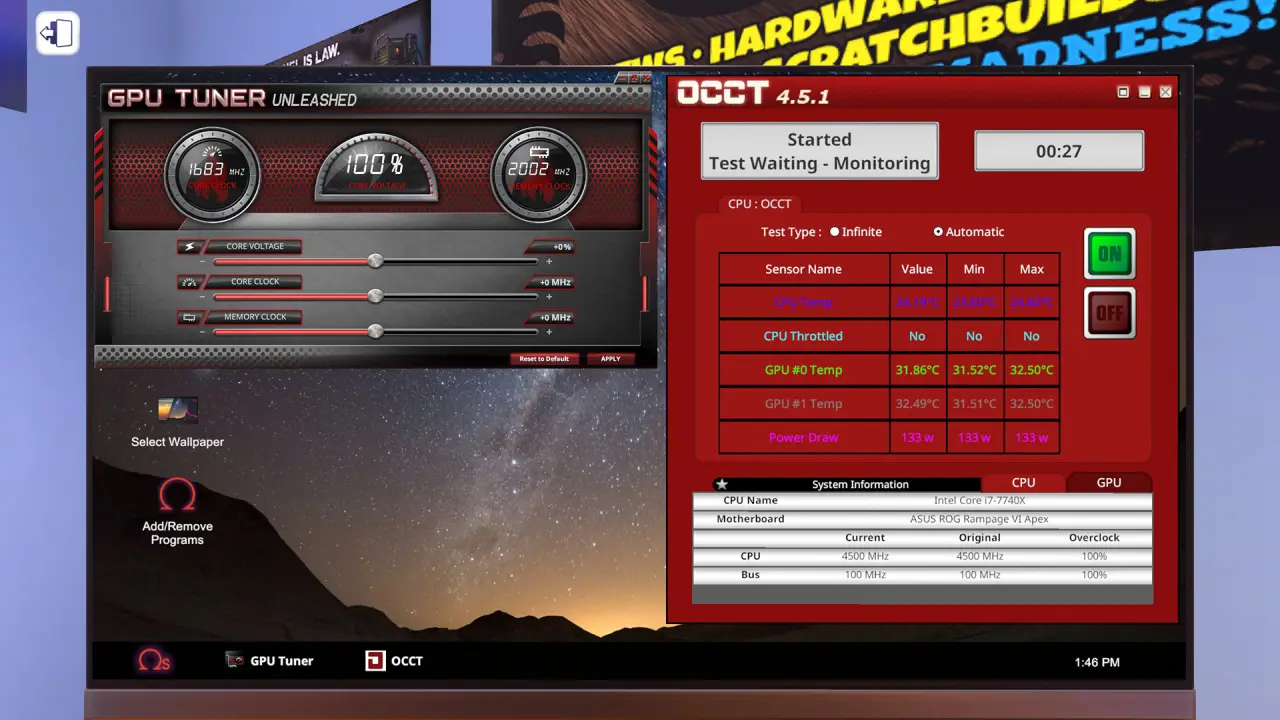
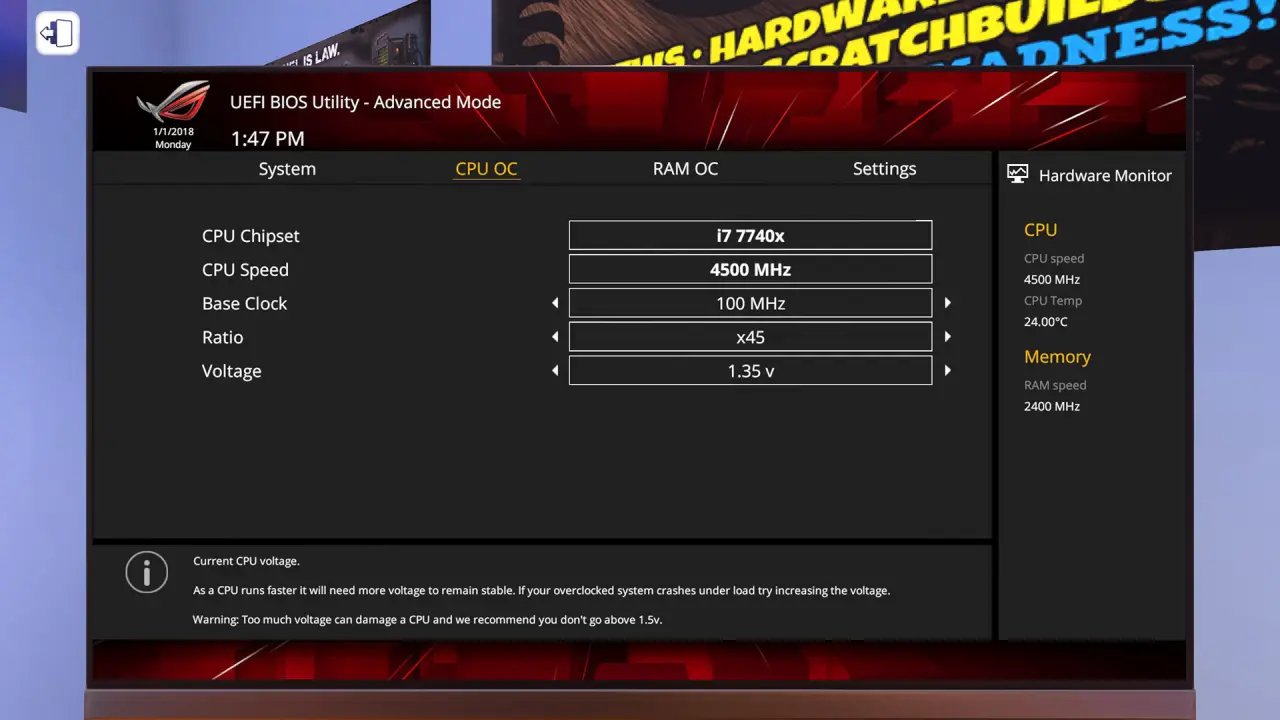
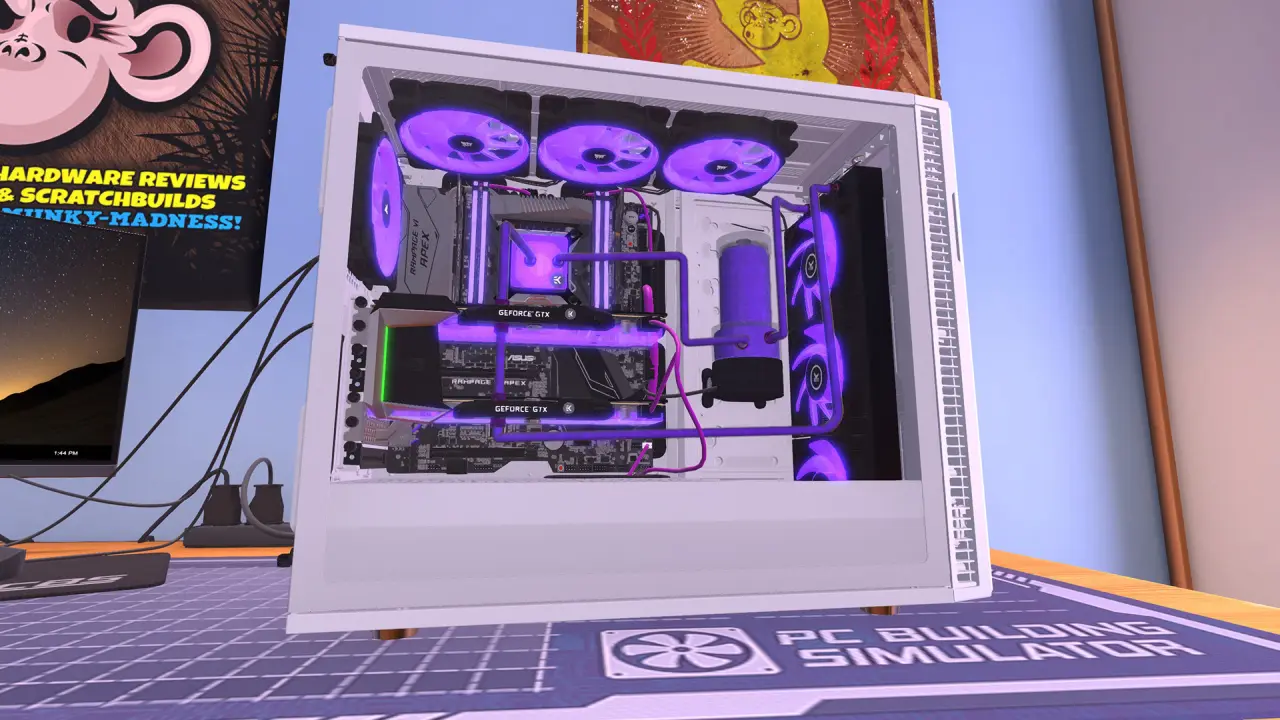
在《電腦裝機模擬器》中經營電腦組裝與維修店,承接從升級、維修到整機組裝的客戶委託,同時平衡收支。你可以使用真實授權零件組裝電腦、自訂燈光與散熱,在 3DMark 測試效能,並嘗試透過 BIOS 超頻。分步說明會介紹組裝順序和各零件的用途。 Steam PC 玩家評價:93% 好評,來自 42,182 則評價。 Steam PC 介面語言包括 簡體中文、英語、法語、德語、日語、巴西葡語、俄語、西班牙語、韓語和波蘭語。
| 語言 | 介面 | 字幕 | 音訊 |
|---|---|---|---|
| 簡體中文 | 是 | — | — |
| 英語 | 是 | — | — |
| 法語 | 是 | — | — |
| 語言 | 介面 | 字幕 | 音訊 |
|---|---|---|---|
| 德語 | 是 | — | — |
| 日語 | 是 | — | — |
| 巴西葡語 | 是 | — | — |
| 俄語 | 是 | — | — |
| 西班牙語 | 是 | — | — |
| 韓語 | 是 | — | — |
| 波蘭語 | 是 | — | — |
Steam PC 版本資料 · 2026-10-10
職業模式圍繞經營電腦組裝與維修店展開,須完成客戶委託並管理收支。
使用真實授權零件組裝及自訂電腦,再以 3DMark 測試,或在 BIOS 嘗試超頻。
遊戲會說明組裝順序,並介紹各零件的用途。
客戶委託包括升級、維修和完整電腦組裝。
可以。描述提到 LED 與線材顏色、風冷或水冷方案,以及可自訂的水冷迴路。
描述稱 IT 擴充內容包含超過 20 小時的額外故事,並免費包含在遊戲中。
“Want to practise a real PC build at zero risk, or finally assemble the dream rig you can't afford in real life? It delivers, with faithful hardware and a hands-on feel — just expect repetitive repair jobs and clumsy console controls, so make sure this niche is actually your thing.”
Looked at from 2026, PC Building Simulator sits on a clear historical marker. It began as one Hungarian developer's demo, hit early access in 2018 and shipped a full version in early 2019 once The Irregular Corporation picked it up and turned it into a finished product. Before it, almost nobody treated "building a PC" as a subject you could make a game out of. After it, the sequels and a wave of imitators followed in its footprints. Epic later gave it away free in the store, which pushed the user base sky-high and all but made it shorthand for "PC building, for beginners."
And because it arrived early, its rough edges — the stiff interface, the same handful of repair tickets, the missing advanced tutorials — show more plainly today, most of which the sequels smoothed over.
But the founder's seat cannot be taken away: you cannot understand the whole PC-building-sim category without circling back to this machine. Every game that lets you snap real components together and benchmark the result owes it a debt, whether it admits one or not.
Whether to buy comes down not to the score but to whether you are the crowd it serves. Three kinds of player fit best. One: anyone genuinely curious about PC hardware who wants a risk-free, no-cost run at building. Two: the DIY veteran chasing the dream rig they could never afford in real life. Three: someone who wants to walk a kid or a friend through the build process — that "educational" label is sincere.
Flip it around, and if you want a game with a story, a rhythm, a long-term pursuit, it will likely send you packing somewhere around the twentieth identical repair ticket. That explains the split from the opening: 93% positive on Steam (around forty-two thousand reviews) and OpenCritic's 70 with a third recommending are not measuring the same people — the former are enthusiasts it suits, the latter are critics scoring it against a general-game yardstick. On versions and platforms, favour PC: this is its native, keyboard-and-mouse home. Start with the base game, eat the free IT Expansion in full, and add the paid Esports Expansion only if the mood takes you; anyone who grabbed it free on Epic back then need not buy again. In one line: work out which line you stand in first, and for the right player, this machine is worth building well into the night.
By 2026 there is a more polished sequel on the shelf, so does the original still earn a look? It depends on what you are after. If you simply want the slickest, most complete version, the sequel is the safer pick — it sanded down most of the rough edges that made the first one prickly.
But the original holds one thing the sequel never can: it was first. That raw vitality of dragging a subject nobody had taken seriously onto the table, the shared memory of the Epic giveaway crowd flooding in to assemble their first virtual PC — all of it lives in the original. Add that it turns up on giveaway and discount lists constantly, dropping the cost of entry to almost nothing, and for anyone who just wants a taste or a hit of nostalgia it stays an easy, worthwhile pick. Put simply: for the full experience, take the sequel; for the founder's plainness and the lowest possible barrier to entry, the original still has its seat.
此語言中獲評有幫助的精選評價既有推薦也有批評,不代表整體好評率;評價觀點針對其所評版本。
來源:Steam 玩家原始評價。有幫助票數為存檔快照,並非即時資料。最近蒐集時間:2026/08/15。