Steam Wishlist All-Time Low Alerts & Deals
Sign in and connect Steam to turn on all-time low alerts for your whole wishlist in one click. We email you when a game drops to its lowest price, and compare current offers from Steam and 37 stores in your region.
Features
Features
Wishlist discount overview
We read your Steam wishlist and match it against our price catalog. Each row shows the current low price, the Steam list price, the discount and the shop. The summary band shows how many are discounted and what you'd save buying them right now.

All-time low alerts
Turn on alerts for every priced game on your wishlist in one click, using each game's all-time low across stores as the target. You can still set your own target for any game. One email per price drop.

Manage alerts from your wishlist
View active alerts in the list, change a target or turn an alert off. Emails go to your registered address. To research past prices, open the separate Steam Price History tool.
How It Works
Step by step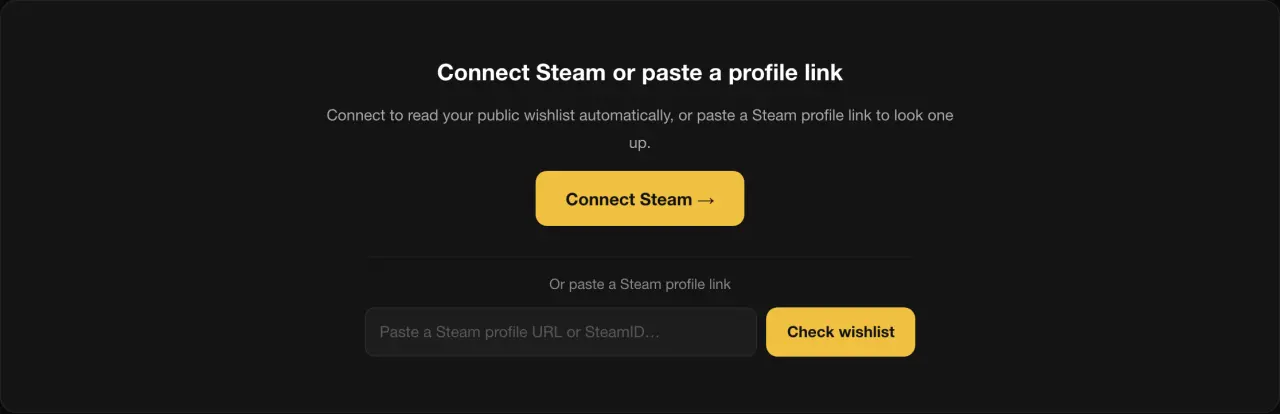
Sign in and choose a Steam profile
Sign in first, then connect Steam through its official page or paste a public Steam profile link. Both lookup methods require sign-in; Steam authentication takes place on Steam.
See the low price for each game
Discounted games appear first, ordered by discount percentage from highest to lowest. Games not on sale are ordered by when they were added, newest first. Rows show price, discount and store; the summary shows discounted games and potential savings.
Turn on all-time low alerts
Select "Alert me when my wishlist hits all-time lows" and confirm. Games without a target get an alert at their all-time low; change any game's target in its row.

Receive an alert and view store offers
When the lowest eligible regional offer is at or below your target, the email includes your target, the current price and the store. Each source-specific price cycle sends at most one alert.
Estimate your public library with the Steam Account Value Calculator → To study one game's discount pattern, use the Steam Price History Checker →
Wishlist price tracking
What you getTarget-price alert conditions
Alerts track the lowest eligible offer in your selected region and trigger at or below your target. Offers from Steam, ITAD and directly connected stores are considered.
Accounts and email delivery
Lookups and alerts require sign-in. Emails are sent only to your registered address.
Compare current store offers
Prices come from our Steam catalog, ITAD and directly connected stores, including retailers and third-party marketplaces. Check the selected region and activation restrictions before buying.
Alert settings and cancellation
Manage each game's alert in the list, or use the unsubscribe link in its email.