Videos are in English; local-language text and images can be used independently. Open on YouTube
Search for games and compare offers
Search for a game, open its result, and compare the available offers. Check the price, store, edition, and platform, then click through to a retailer to review the selected deal instead of relying on a single listing.

Explore similar games
GameGeeker’s editorial recommendations also highlight editor picks, helping you discover games selected by its editors. Open AI Similar Game Finder to search for similar games and review recommendation cards explaining why each resembles the selected game. Select a recommendation to explore its page and compare the information available before deciding whether it suits what you want to play.

Read reviews and follow game news
Use the Reviews listing to assess whether a game suits your preferences. Follow News for updates, player sentiment, and controversies that can inform what you choose. GameGeeker’s editorial recommendations also highlight editor picks, helping you discover games selected by its editors.

Check price history and set a wishlist price
The video shows a game page’s price history for comparing past prices with today’s price. The standalone Steam Price History tool also shows a price curve beside current and historical price cards, plus a Set wishlist price card. If the price is too high, sign in, set a target for your region, and receive an email when an eligible tracked offer reaches or falls below it.

Compare games and check giveaways
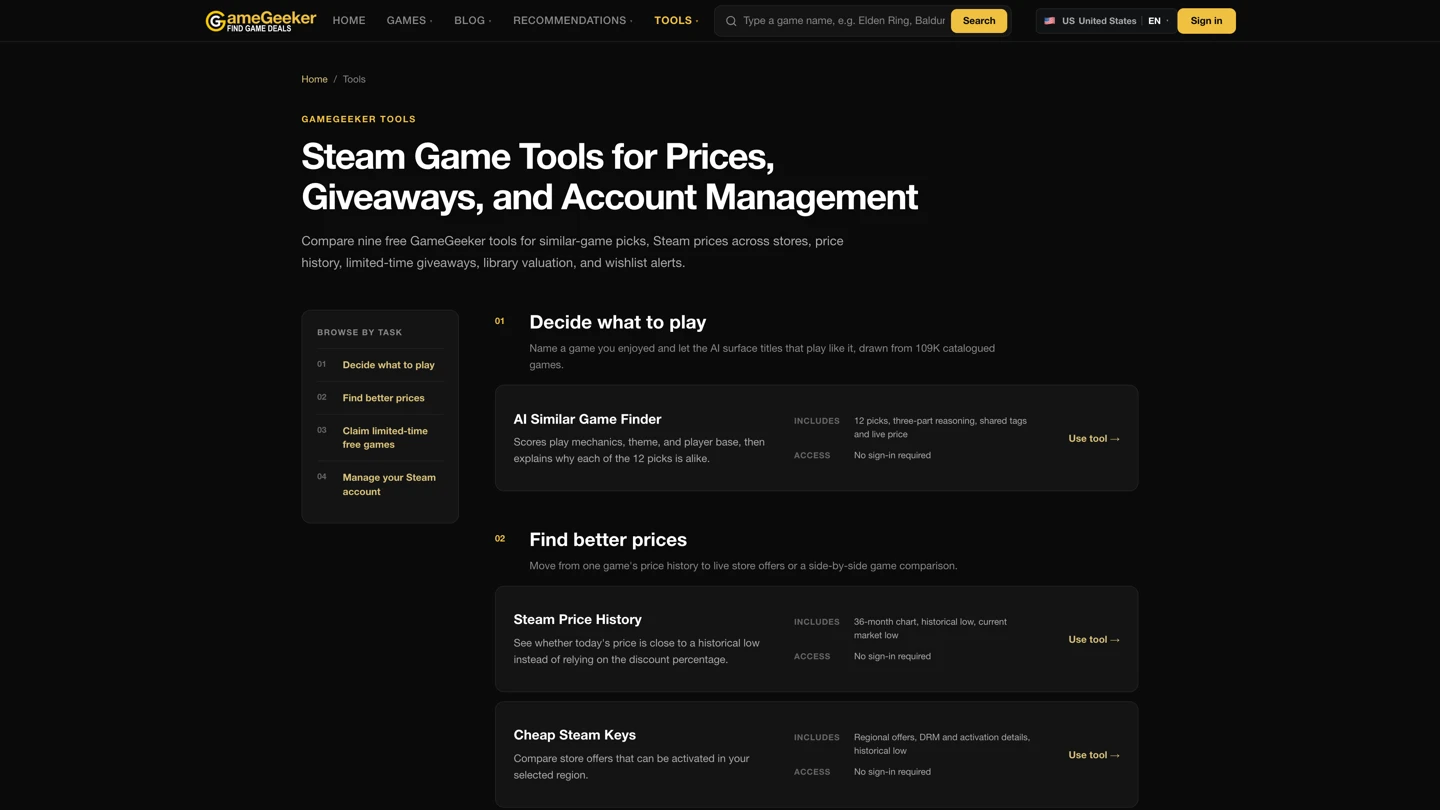
Open Tools to find similar-game recommendations, compare games side by side, and check free giveaways. Use the task list to choose the relevant option, whether you want to explore comparable games, examine alternatives together, or find giveaways shown on the site.
Choose your language and region
The website supports ten interface languages: English, German, 简体中文, Japanese, French, Spanish, Portuguese, Italian, Polish, and 繁體中文. The top-right language/region menu lets you set them separately: the interface language affects text, while the shopping region affects currency and offers.
