Videos are in English; local-language text and images can be used independently. Open on YouTube
Install the Chrome Extension
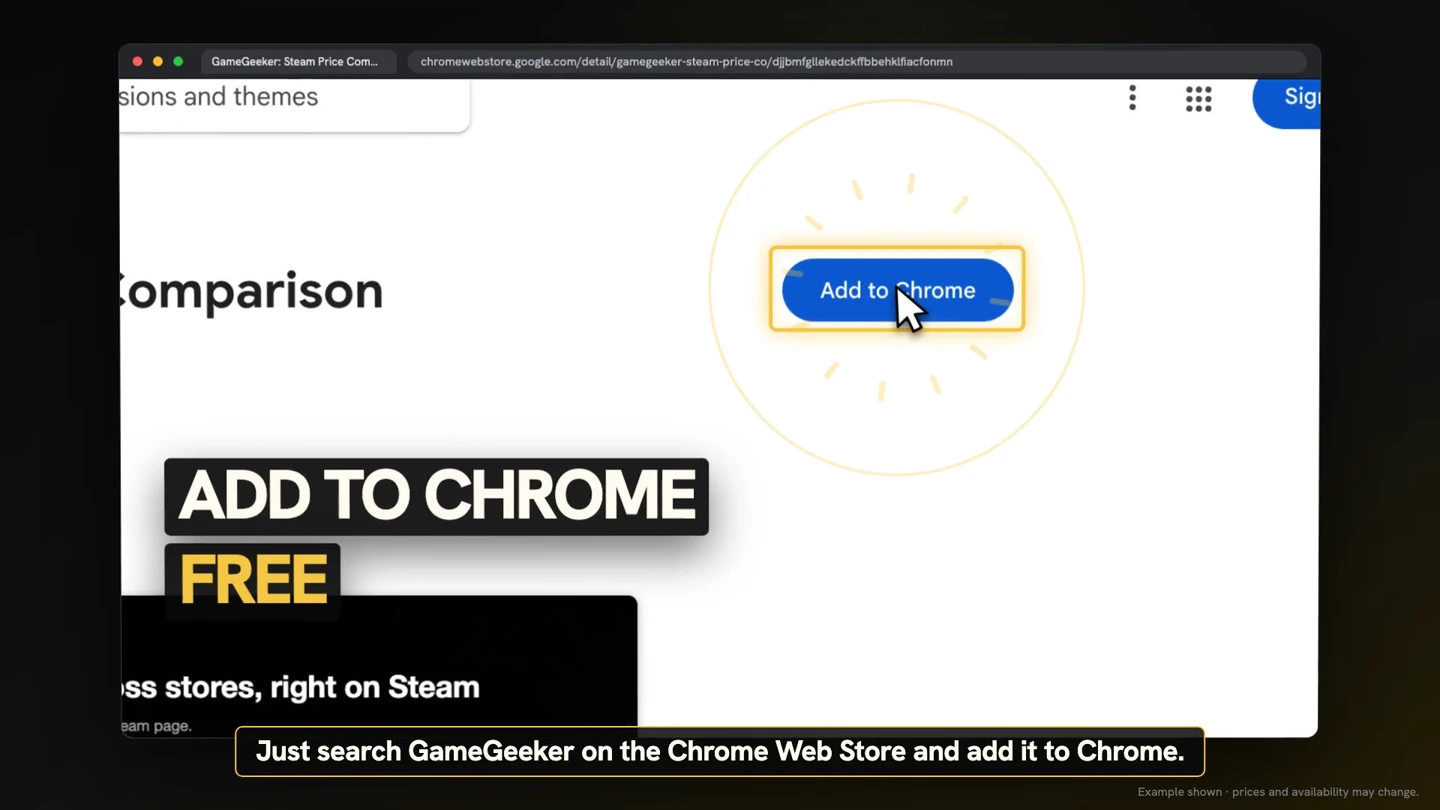
Search for GameGeeker in the Chrome Web Store and select Add to Chrome. The free extension compares prices across official stores and keyshops, then shows the lowest price directly on the Steam page for a game.
Read the Offer Beside the Buy Box
Open a game page on Steam and look directly above the buy box. The extension shows the lowest price, how much you would save, and which store has that offer. These details identify the displayed deal before you choose whether to open it.

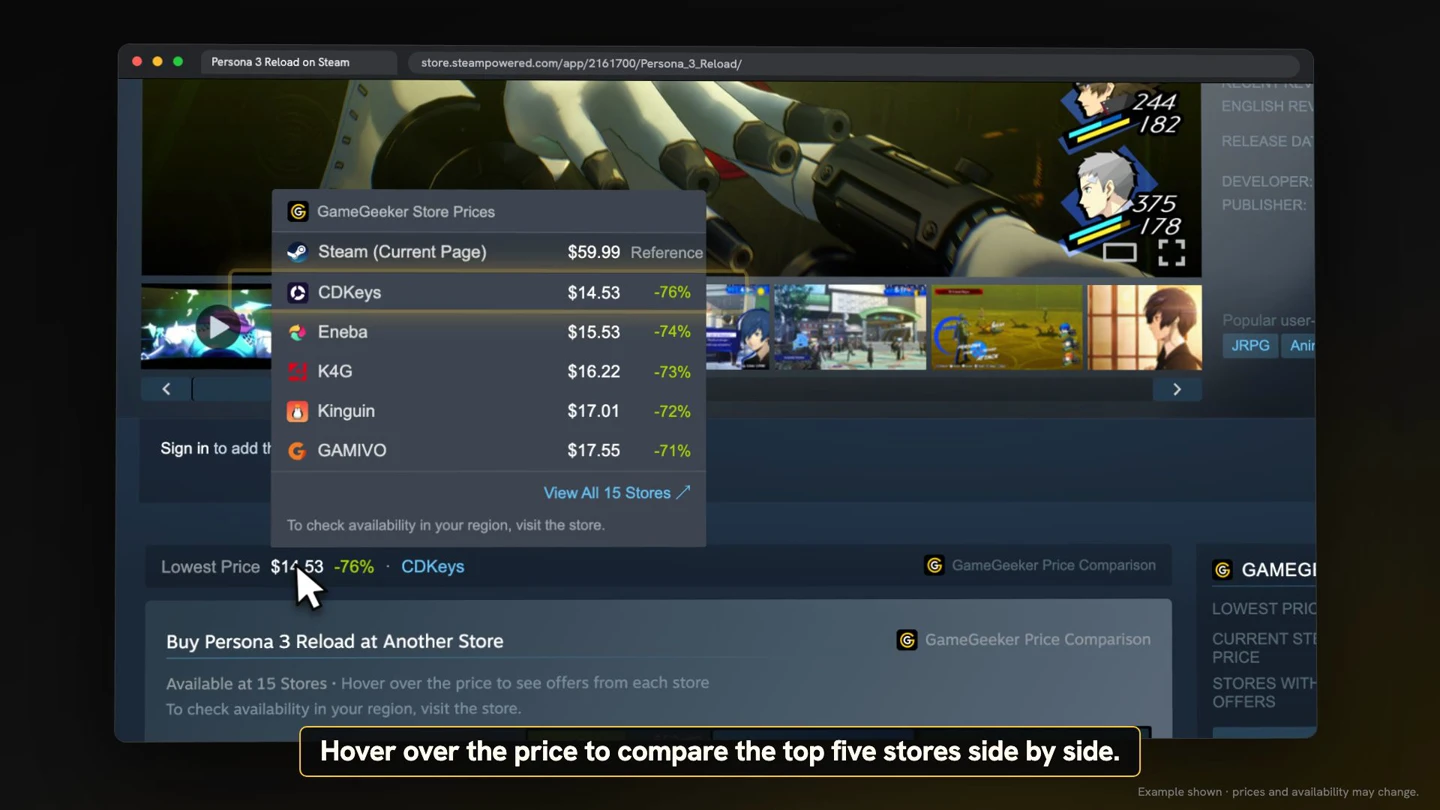
Compare the Top Five Stores
Hover over the displayed price to open a side-by-side comparison of the top five stores. When you find an offer you want, click it once to go to that retailer. The comparison shows the listed store prices together beside the Steam game page.
Use Your Steam Region and Currency
Prices shown by the extension match your Steam region and currency. Open a Steam game page with its regional pricing, then read the GameGeeker offer beside the buy box. The displayed comparison follows the region and currency already used by Steam.

Compare Offers in Search Results
GameGeeker also works in Steam search results. On the results page, use the displayed price information to compare offers for the listed games. When you find an offer you want, select it to continue to the corresponding retailer.
